
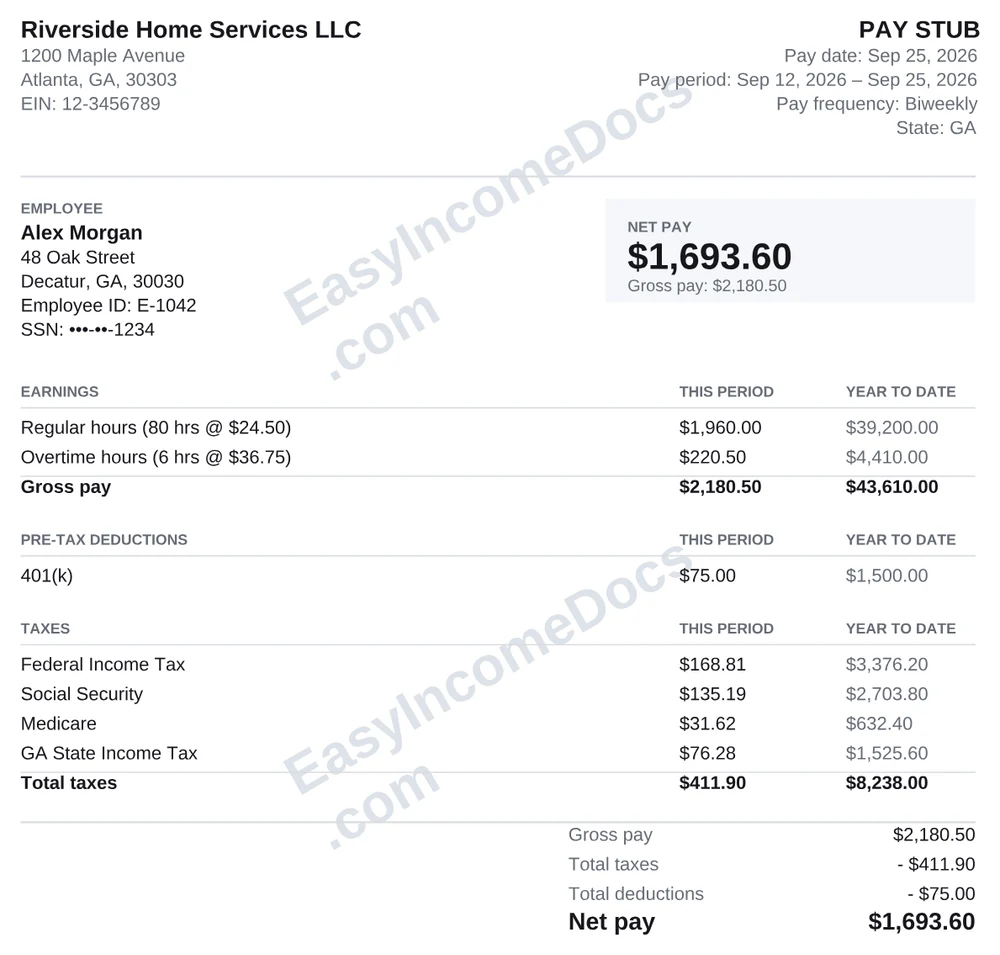
1. Classic
Full pageA clean, simple layout with a split header, a boxed net pay figure and line-ruled tables.
Best for: Anyone who wants a plain, familiar pay stub that prints well in black and white.
Pay stub examples
Looking for a pay stub example before you make your own? Below are 10 sample pay stub designs, five full-page layouts and five in compact check-stub size. Every sample shows the same information: earnings, taxes, deductions, net pay and year-to-date totals. All names and numbers are made up.
A clean, simple layout with a split header, a boxed net pay figure and line-ruled tables.
Best for: Anyone who wants a plain, familiar pay stub that prints well in black and white.
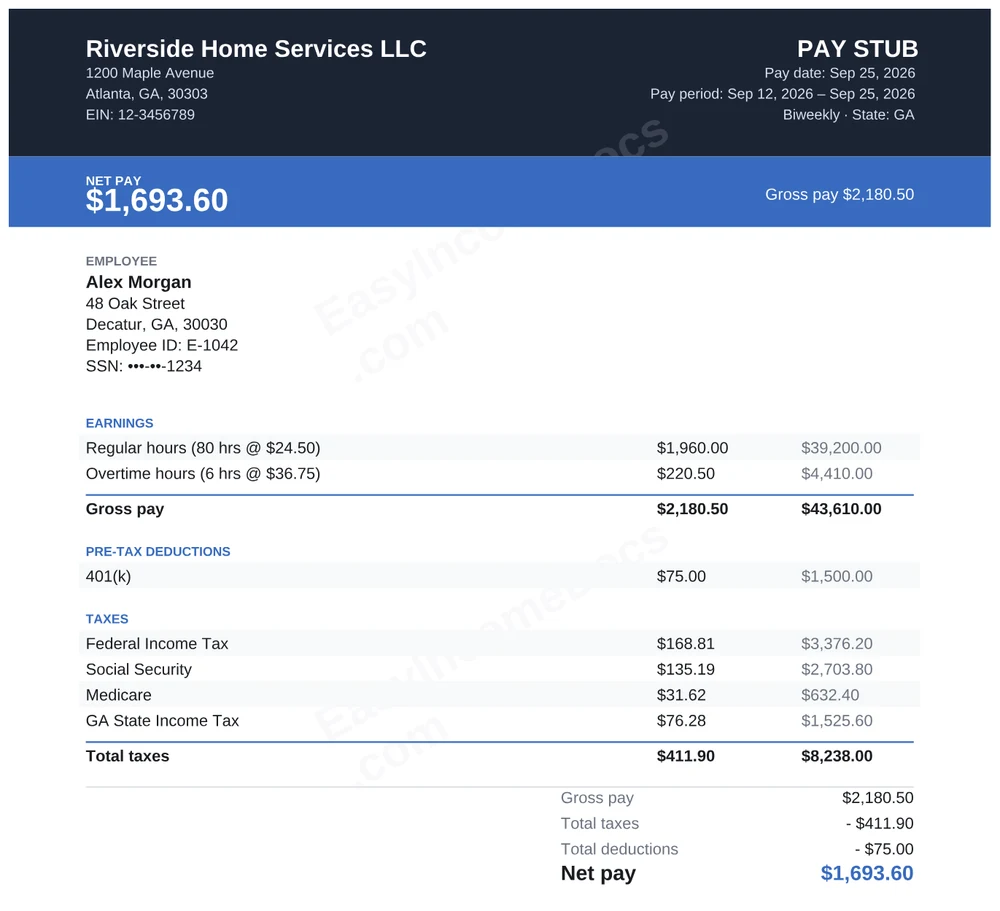
A dark header band with a bold, colored net pay banner across the top.
Best for: Businesses that want a polished, modern look with the take-home amount front and center.
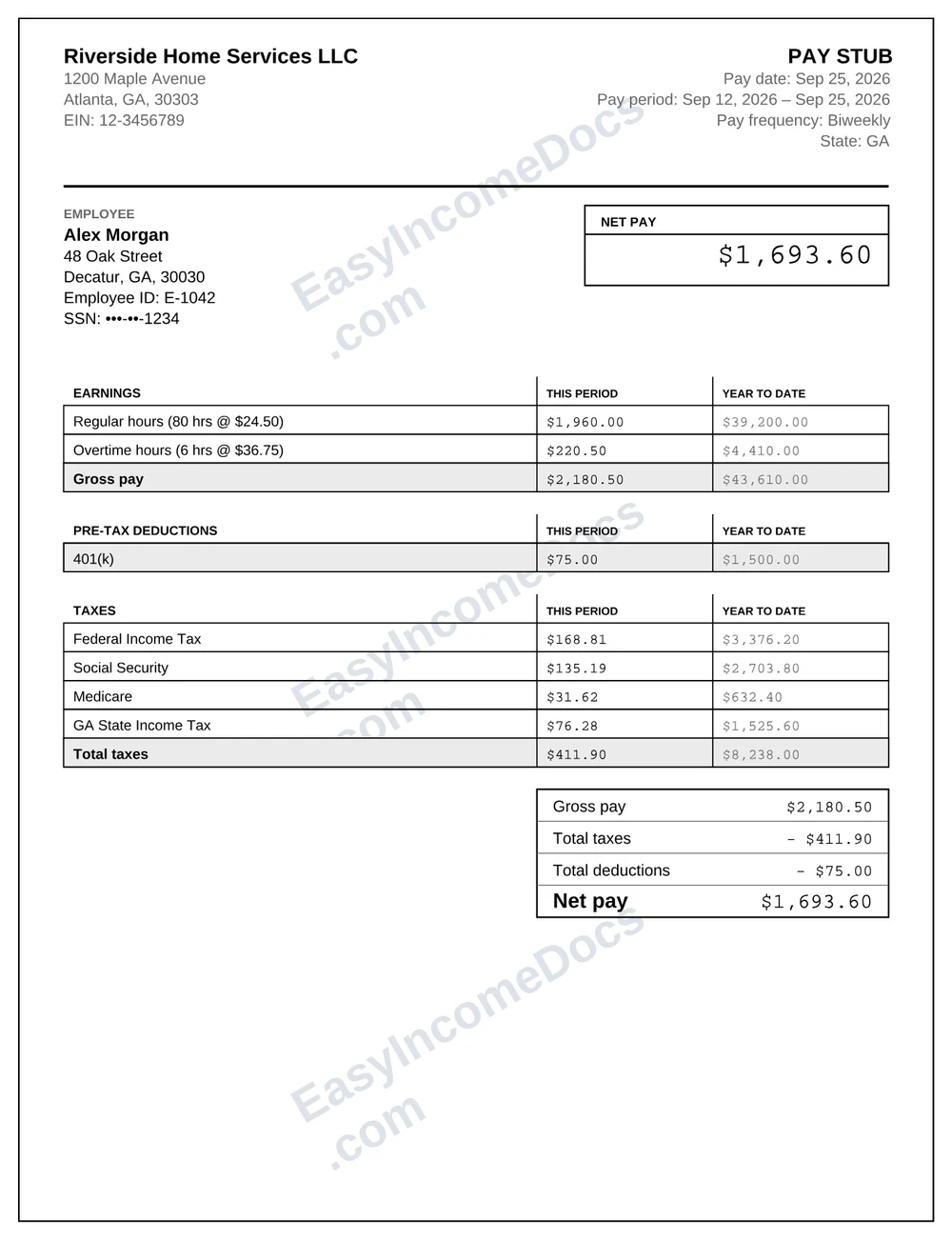
A fully gridded black-and-white ledger with monospaced figures, like a classic payroll printout.
Best for: Accountants, bookkeepers and anyone who likes a traditional payroll register style.
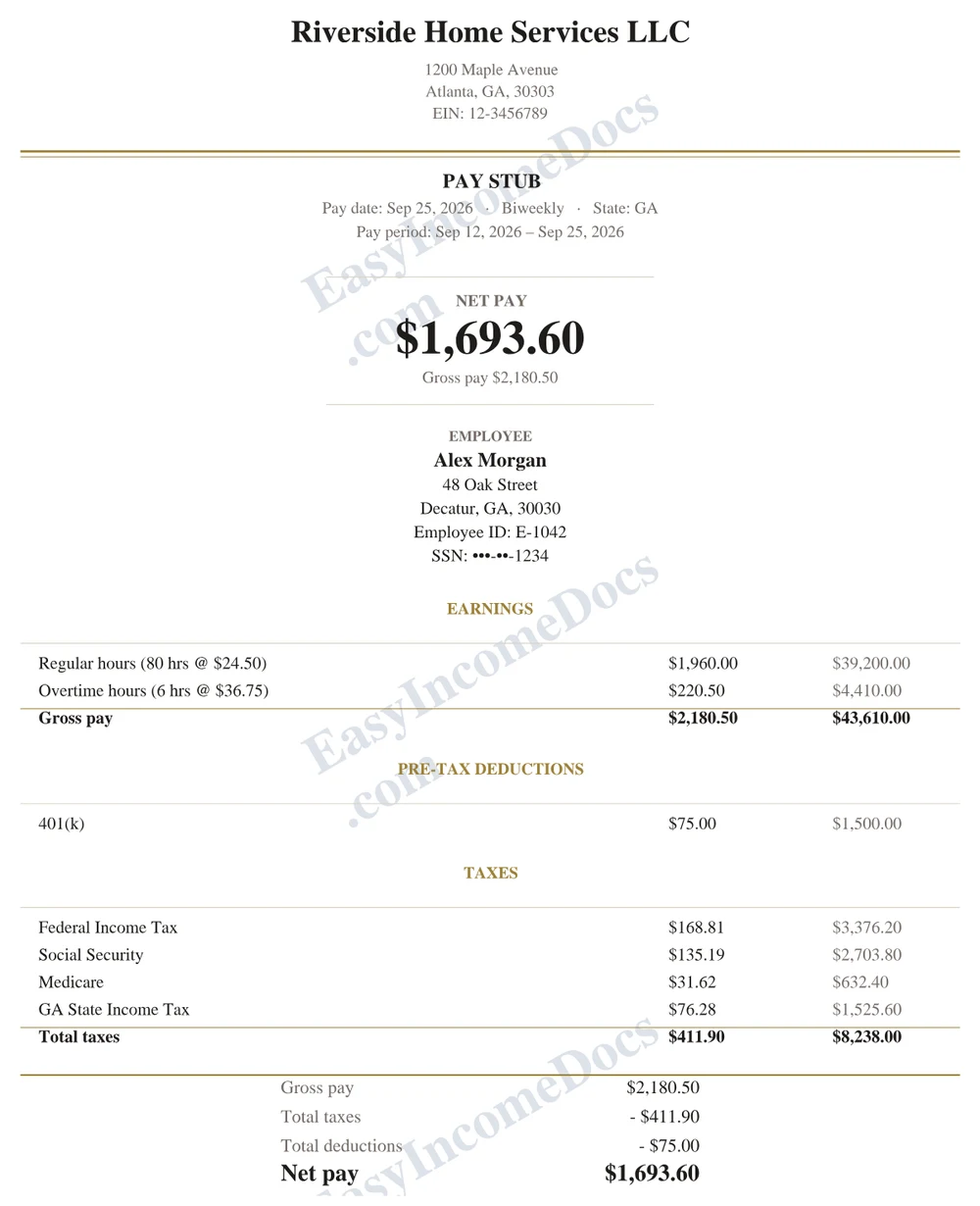
A centered layout set in a serif typeface with a gold double rule.
Best for: Professional services, household employers and offices that prefer a formal look.
A shaded sidebar for employee details and net pay beside a compact earnings column.
Best for: Pay stubs with many earnings or deduction lines, since the main column stays compact.
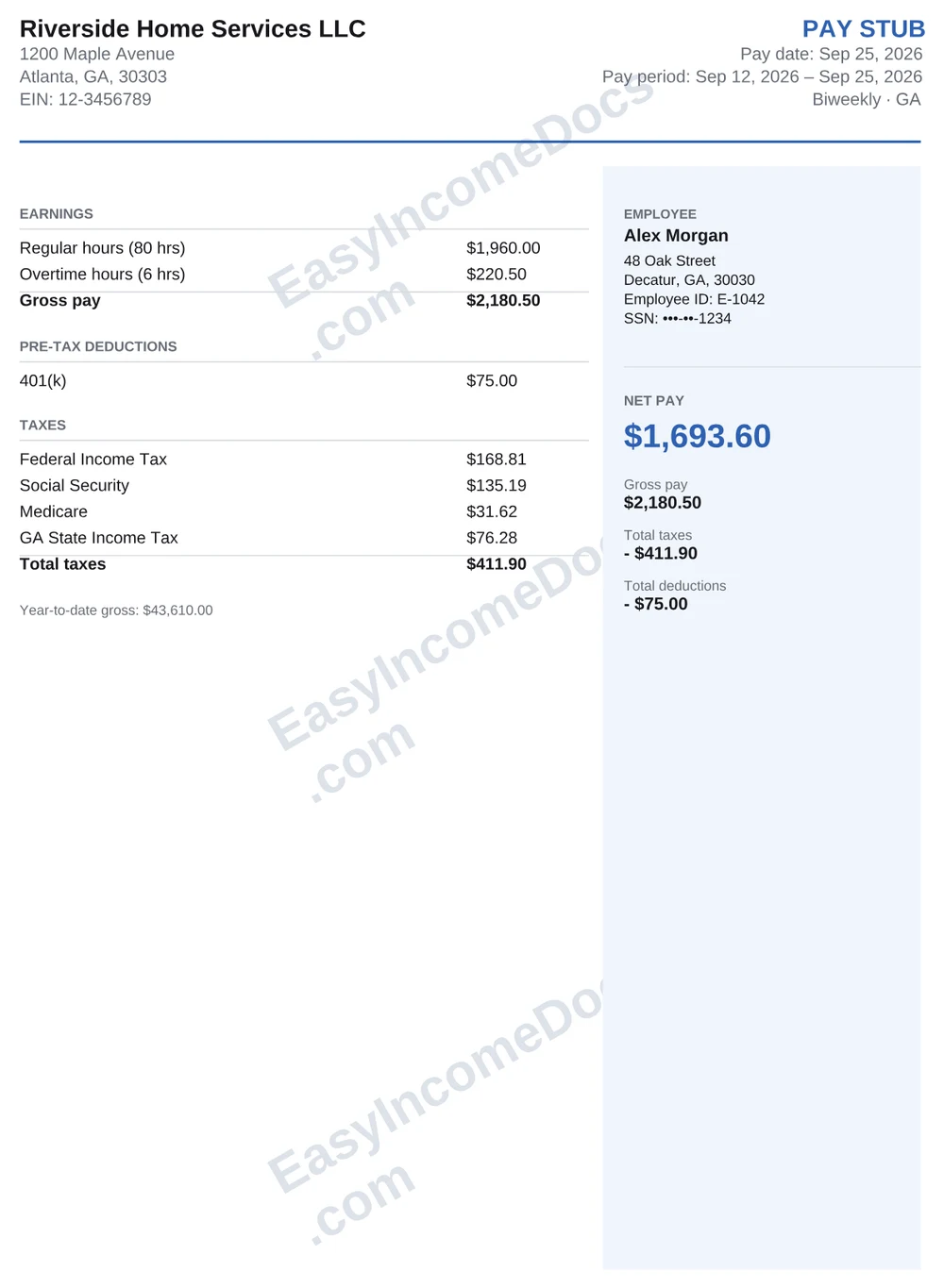
A 6 x 2.75 inch check-stub size with shaded info panels, a coral accent and a red net pay bar.
Best for: Printing on check stock or fitting several stubs on one page.
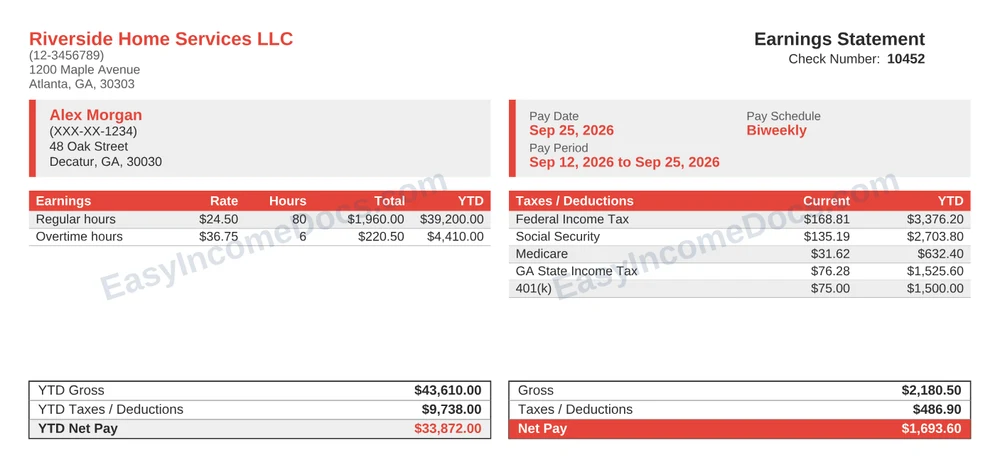
A check-stub size with a navy header band and soft blue panels.
Best for: A professional compact stub for small businesses.
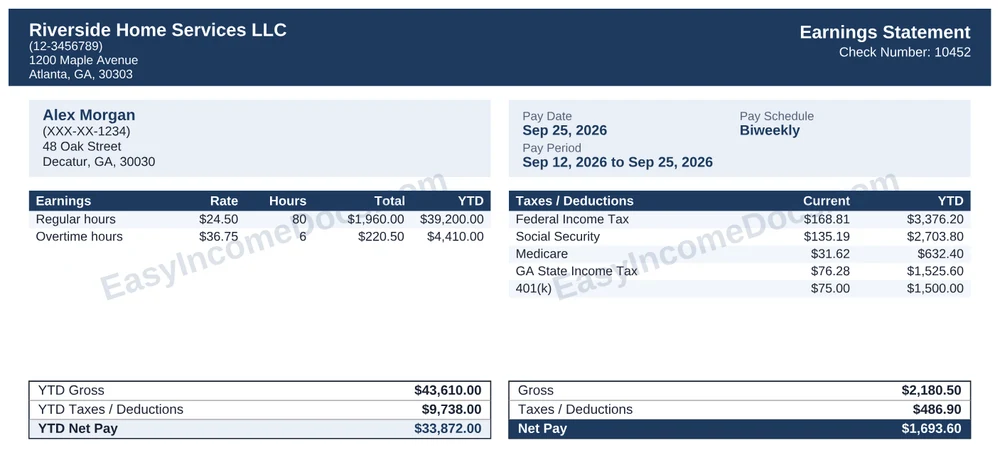
A black-and-white gridded ledger in monospaced type, in check-stub size.
Best for: Plain, high-contrast copies that scan and photocopy cleanly.
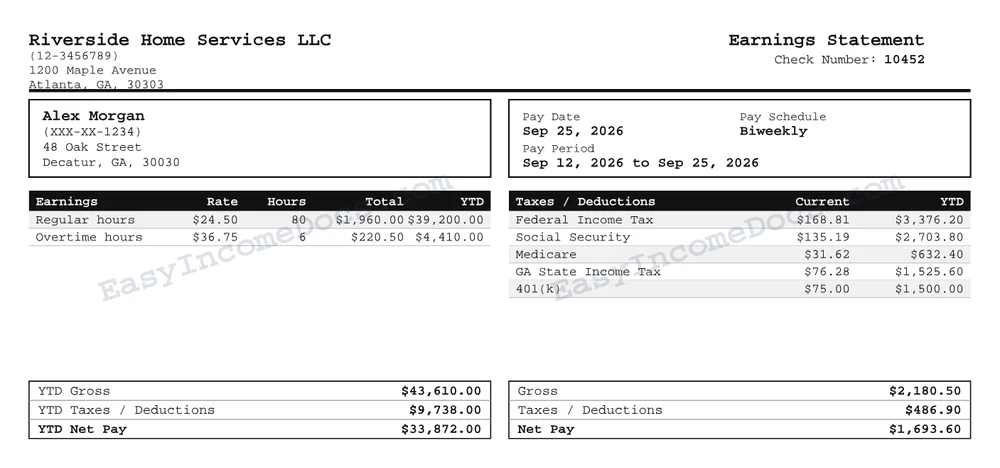
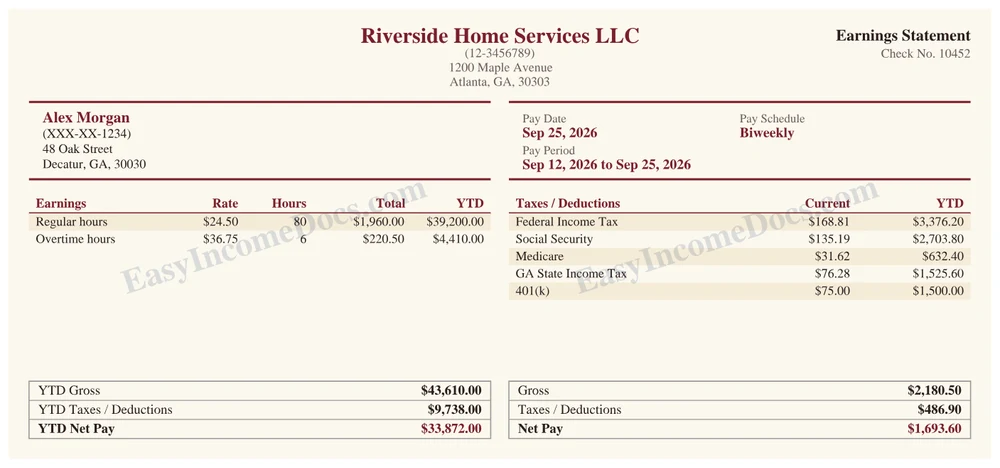
A cream-colored serif stub with burgundy rules, in check-stub size.
Best for: A traditional, warm look in a small format.
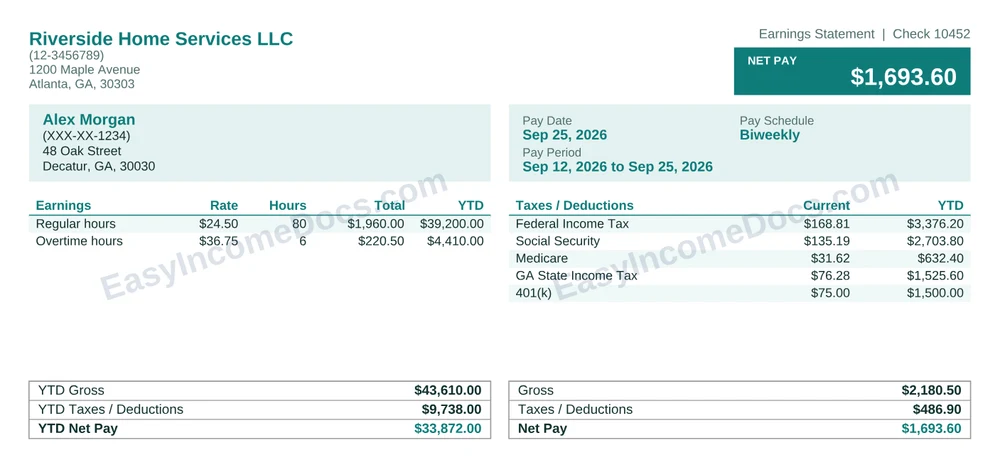
A teal check-stub with the net pay called out in the header.
Best for: A fresh, easy-to-scan stub where take-home pay is the first thing you see.
A full-page pay stub gives you the most room and is the easiest to read, so it's the usual choice for a PDF you'll email or upload. A check-stub size stub is about 6 by 2.75 inches. It matches the stub that comes attached to a printed check and works well when you print on check stock or want several stubs on one sheet. Our check stub generator page explains both formats in more detail.
Pay stubs are often needed alongside other income records. You can also make a W-2, a 1099-NEC, a proof of income letter or an income statement.
A pay stub shows the employer and employee, the pay period and pay date, earnings (hours, rate and gross pay), each tax withheld, any deductions, net pay and year-to-date totals. The samples on this page show all of those lines in 10 different layouts.
No. Each sample uses made-up names and numbers and carries a watermark. They only show how a finished pay stub can look. Your own stub uses your real details and has the taxes calculated for your state.
Yes. The generator has all 10 designs shown here. You can switch between them in the live preview before you pay, and the downloaded PDF matches the design you picked.
Full-page designs fill a standard letter-size page and have room for more detail. Check-stub designs are about 6 by 2.75 inches, the size of the stub that comes with a printed check, so they suit check stock or printing several per page.
Yes. You can upload a PNG or JPEG logo, up to 400 KB, and it appears on the stub in the design you choose.
Using an example to see what to include is fine. When you make a pay stub, every figure must reflect pay that was actually earned or paid, and it must never be used to mislead a lender, landlord or agency.
The samples above use made-up names and numbers. Create pay stubs only for pay that was actually earned or paid. A pay stub must not be used to misrepresent income, employment or financial details to a lender, landlord, government agency or any other party.